Help
Sharing your iCloud calendar
Could you send me a link to your iCloud calendar so I can see when you're busy? The link includes your events' details, but my scheduling app keeps only the times.
Follow the steps for your device, then reply to the message you got.
On an iPhone or iPad
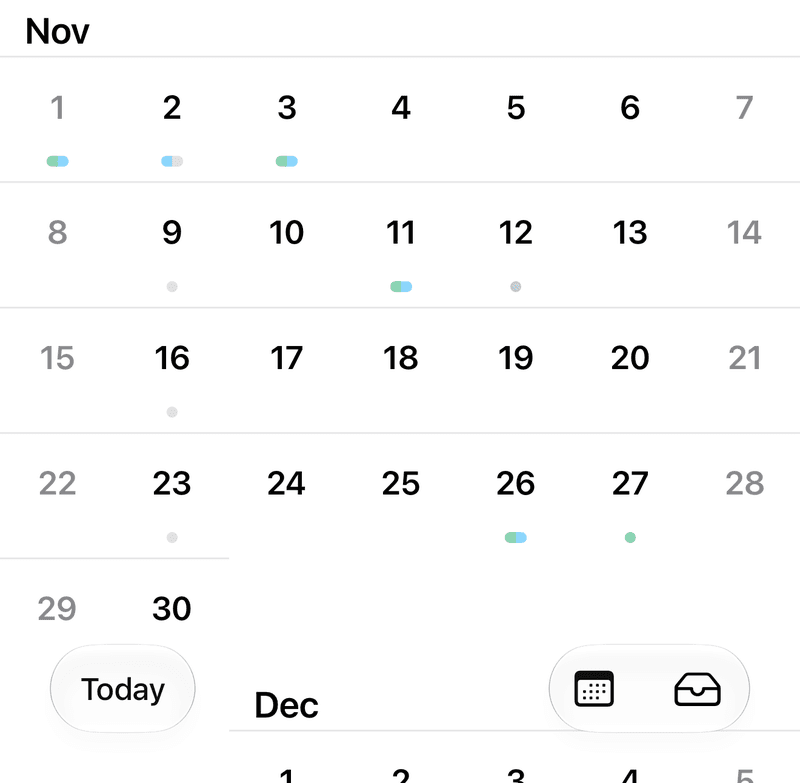
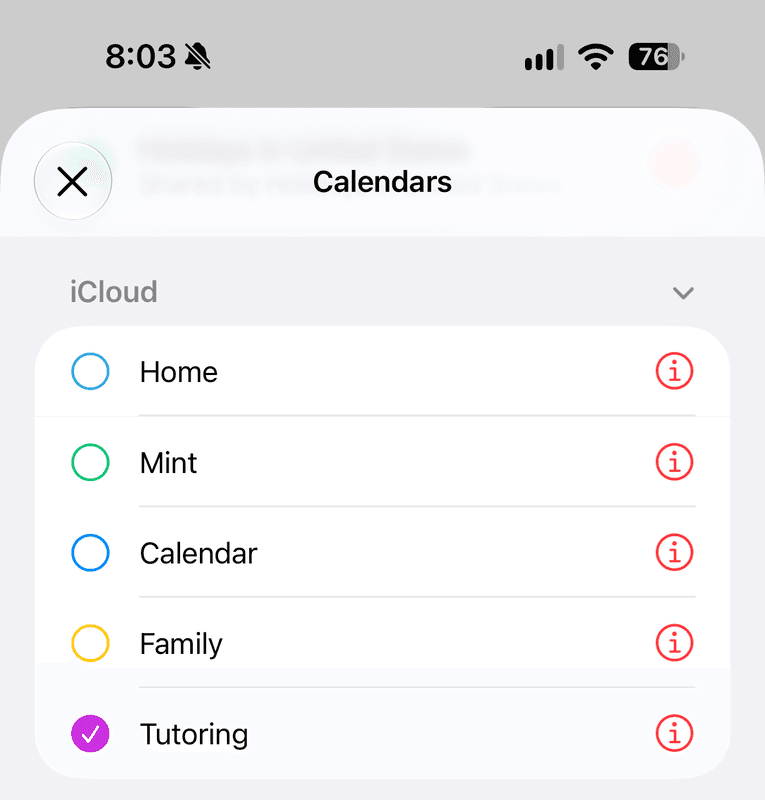
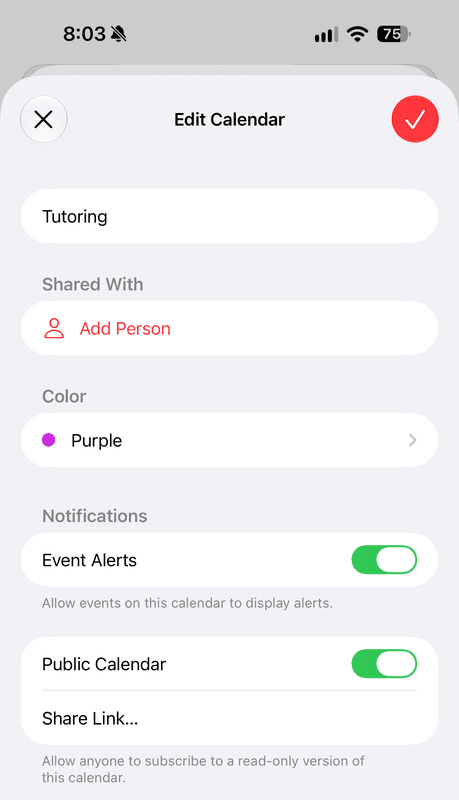
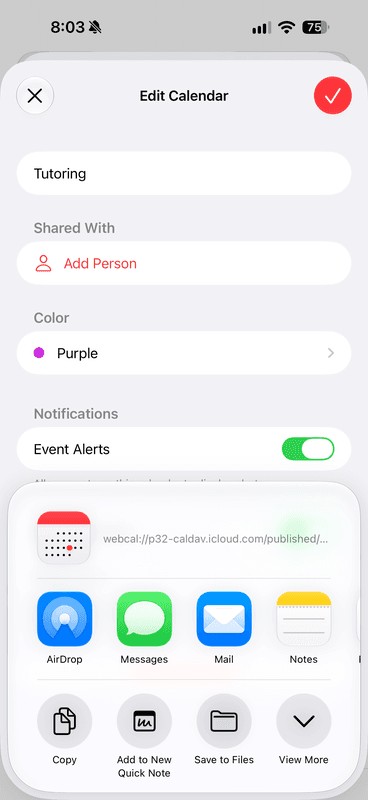
Open the Calendar app and tap the calendar icon at the bottom of the screen (on older iPhones, it says Calendars). Tap the ⓘ next to your calendar, turn on "Public Calendar," then tap "Share Link" and send it to me.
On a Mac
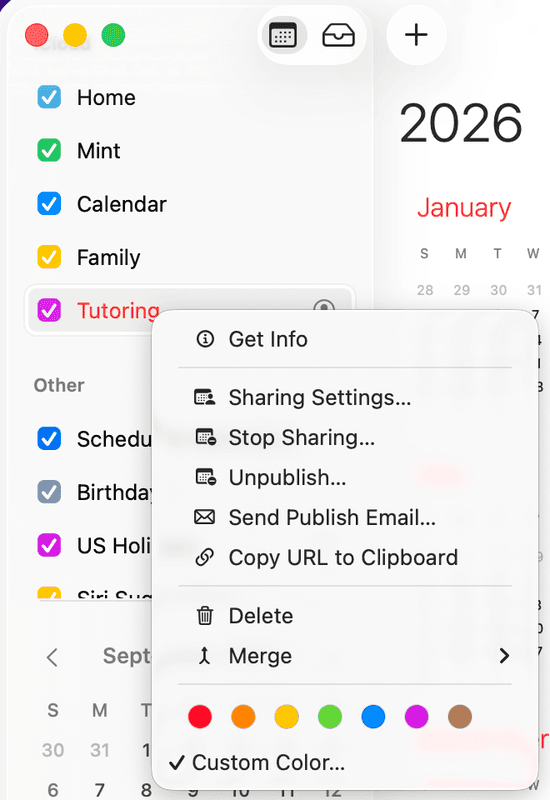
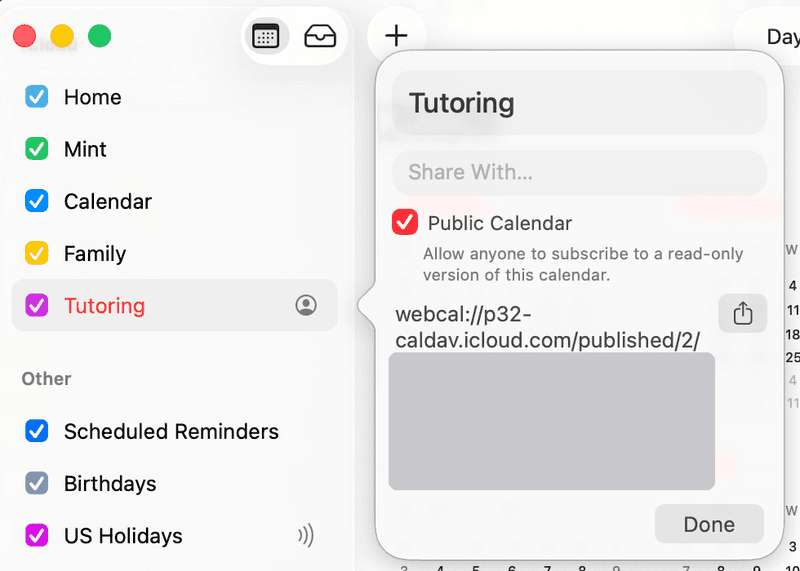
Open Calendar, Control-click your calendar in the list, and choose "Sharing Settings." Turn on "Public Calendar," copy the link, and send it to me.
- Only iCloud calendars can be shared this way. A calendar listed under "On My iPhone" or "On My Mac" can't; move your events to an iCloud calendar first, or let me know.
- If you keep more than one calendar, please send a link for each.